
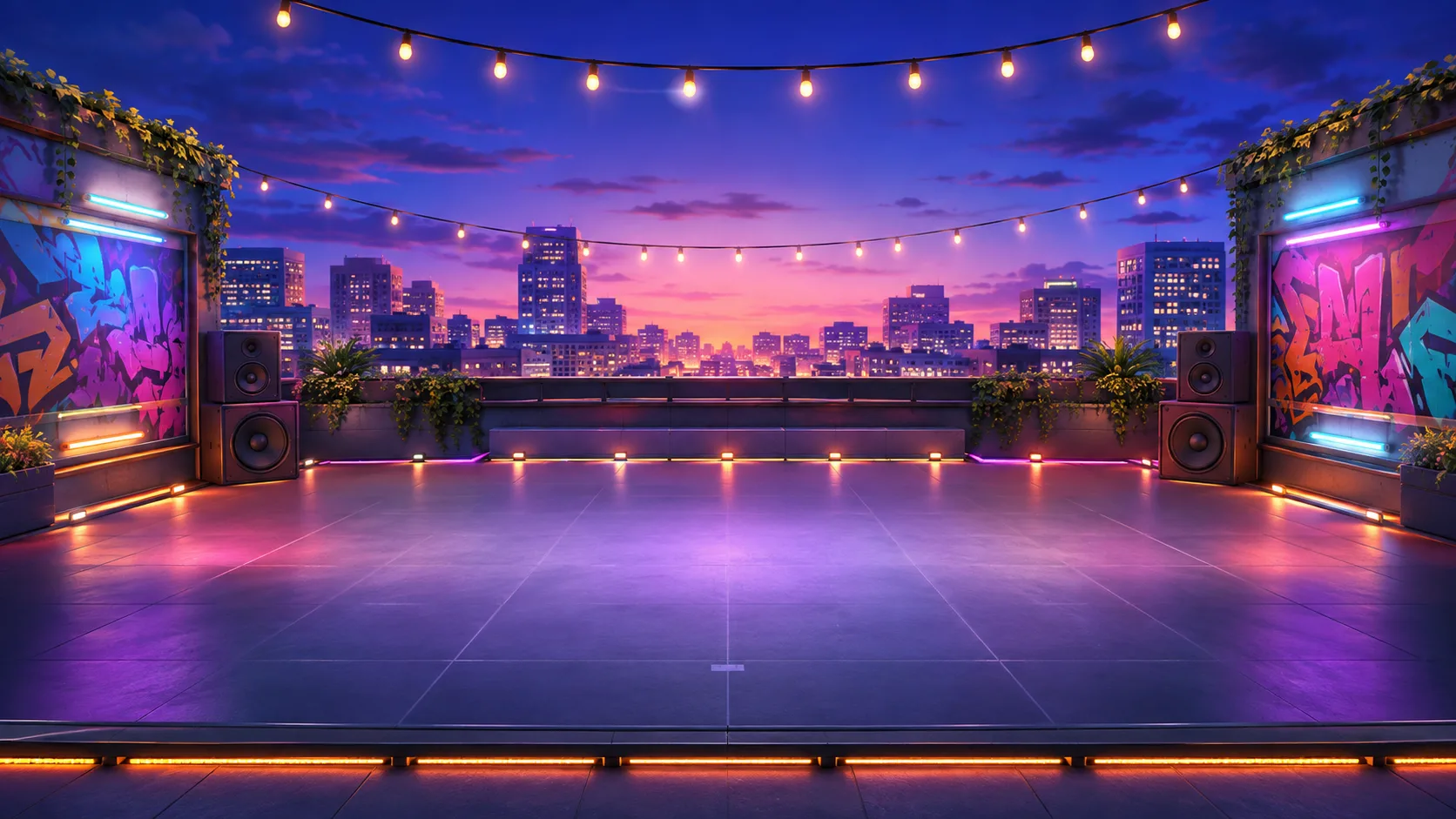
Rooftop
The signature Beat Critters venue pairs a glowing dance floor with a wide skyline and neon beams.
Explore the stage →
BEAT CRITTERS
Stages change the mood around your crew without changing the rules of the mix. Compare three launch environments designed for phones, tablets, laptops, and wide displays.
Every Beat Critters stage keeps the seven performer positions readable while changing the background, floor color, lighting palette, and atmosphere. Stage switching is available in editing mode, so you can judge a lineup against each environment before entering performance mode.
On smaller screens, the stage can move horizontally to preserve comfortable character scale. On wider screens, positions spread across the floor while the central performer receives stronger visual emphasis.
The signature Beat Critters venue pairs a glowing dance floor with a wide skyline and neon beams.
Explore the stage →
A waterfront performance space with open horizons, festival lights, and a warmer color palette.
Explore the stage →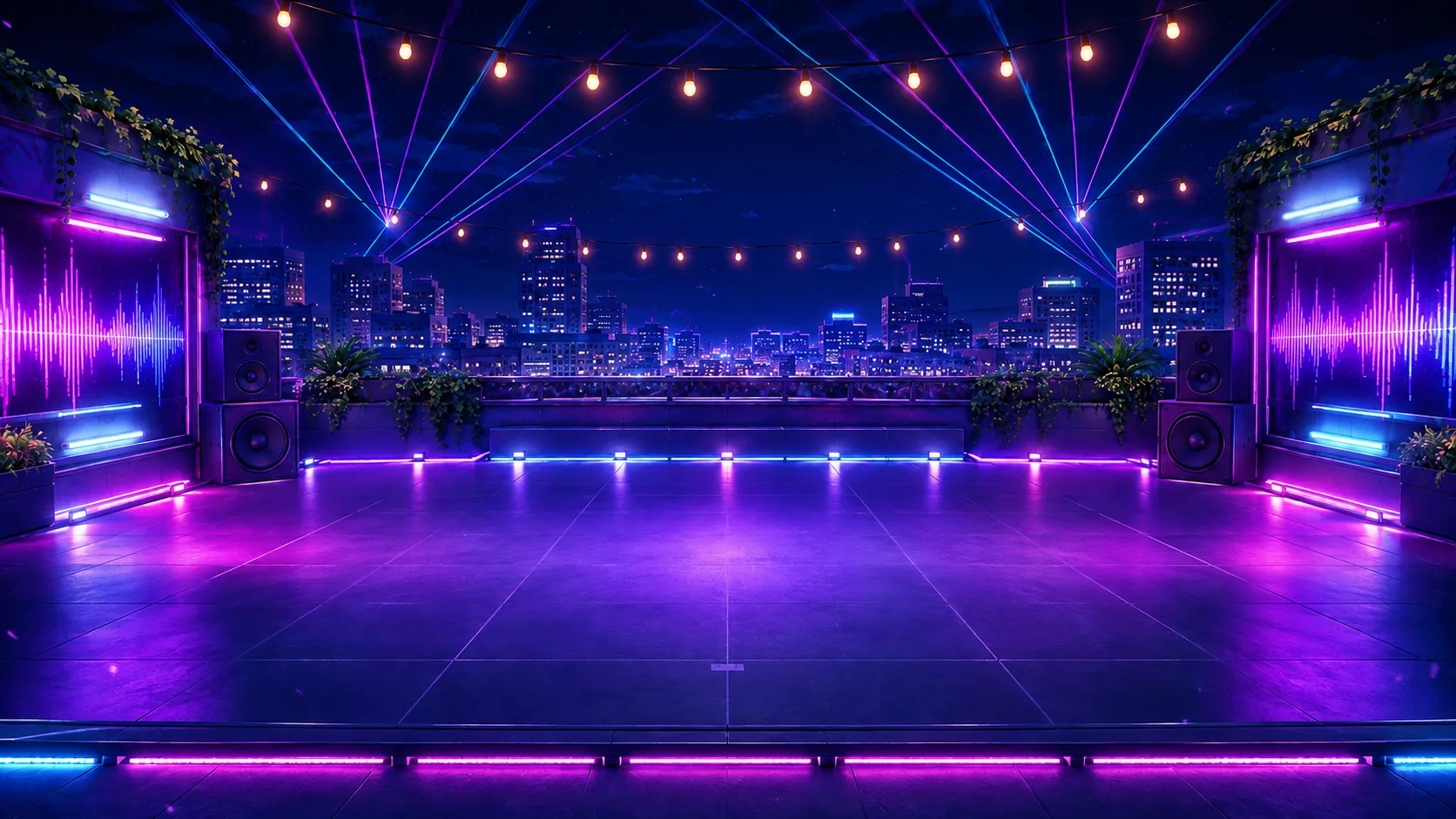
A saturated fantasy venue where crystalline color and strong light shafts turn every mix into a spectacle.
Explore the stage →Overhead light beams become more active as additional performers enter the stage. The effect provides visible energy without changing the audio. In performance mode, editor circles, names, and background controls disappear so the characters and lighting can occupy the whole scene.
Rooftop frames the crew against a city at night and works as the neutral signature environment. Neon Docks introduces warmer sunset color and a sense of an open-air event. Echo Cave pushes toward a more fantastical, saturated performance. None provides a scoring advantage; the choice changes presentation and emotional context.
A stage background covers the performance region rather than the entire page, keeping information sections readable and preventing the interface from feeling like one undifferentiated image. Characters, lights, floor positions, navigation arrows, and controls remain separate elements so they can respond independently to screen size and mode.
Seven full-body performers should not become tiny simply to fit a phone width. The mobile layout keeps useful character scale and allows the stage to move horizontally. The current position stays visually grounded, dragging remains centered beneath the pointer or touch, and off-stage tray items keep their original ordering. Wide displays expand spacing and central emphasis rather than stretching the characters unevenly.
In editing mode, floor circles indicate valid destinations and occupied states. In performance mode, those circles and labels disappear, leaving the venue and cast as a clean scene suitable for watching and, later, recording. The same layered construction will make future video export possible without rebuilding the stage as a flat screenshot.
Stage selection can also support accessibility. Text and editor controls remain outside detailed background areas, important targets use clear state changes, and a reduced-motion setting can limit sweeping lights without muting the performance. Because the environment is assembled from separate layers, contrast and motion can improve independently as testing continues.