Glitch's sound role
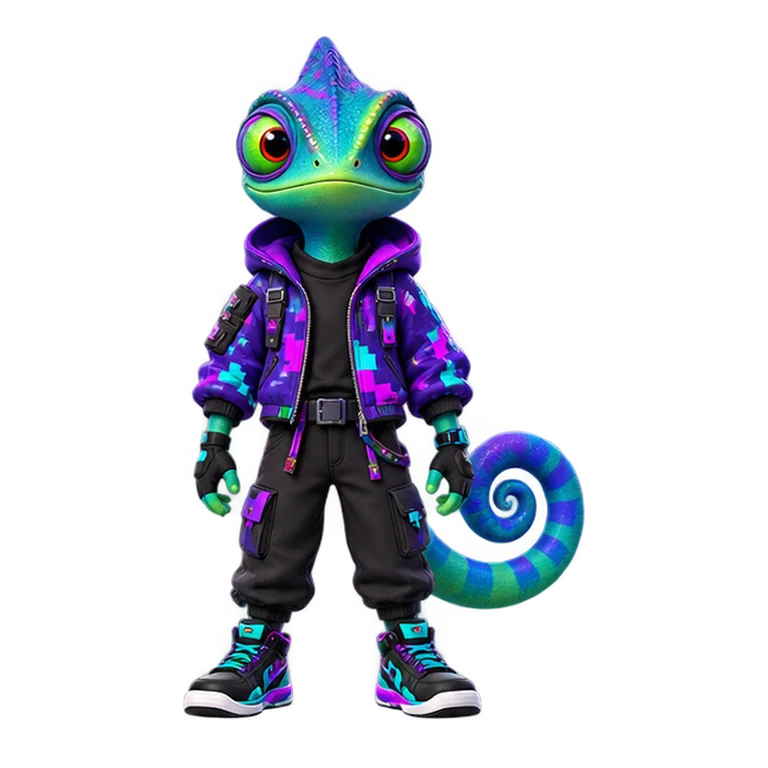
Glitch performs the Digital Cut part of the Neon Howlers. This contribution belongs to the effects family: transitions, digital textures, rises, impacts, and spatial details that give an arrangement movement. Digital character and sharp timing make this layer easy to recognize without forcing it to dominate every arrangement.
Use Glitch when a mix needs movement between musical sections. Listen once in solo mode, then bring the rest of the crew back to judge the layer in context.
Rooftop and Neon Overdrive loops
The Rooftop loop runs for about 7.8 seconds and favors the relaxed rooftop identity. The Neon Overdrive version runs for about 6.6 seconds and pushes the same performer into a brighter, more intense stage style. They are alternate performance choices, not two layers that must play together.
Mixing tips for Glitch
- Place the character left or right only when another layer balances the opposite side.
- Start with fewer performers and add Glitch after the main pulse is clear.
- Use mute and solo states to check whether the part adds definition or creates clutter.
- Switch stage styles after the lineup works; visuals should support the mix rather than hide a weak arrangement.